
Google Veo 3 AI Video Automation Workflow for n8n
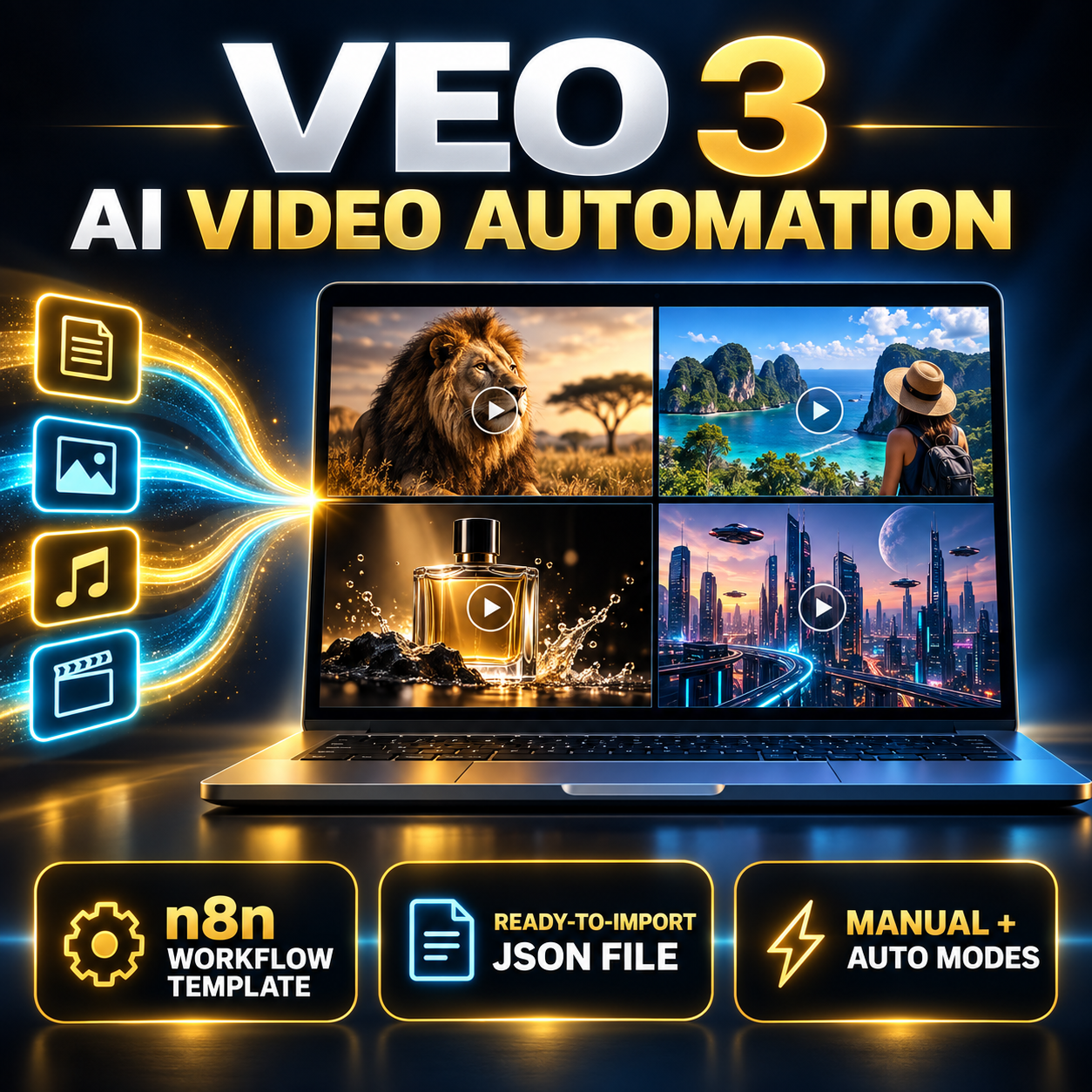
Streamline your AI video production with this ready-to-import n8n JSON workflow, designed to support video generation with Google Veo 3 and WaveSpeed AI.
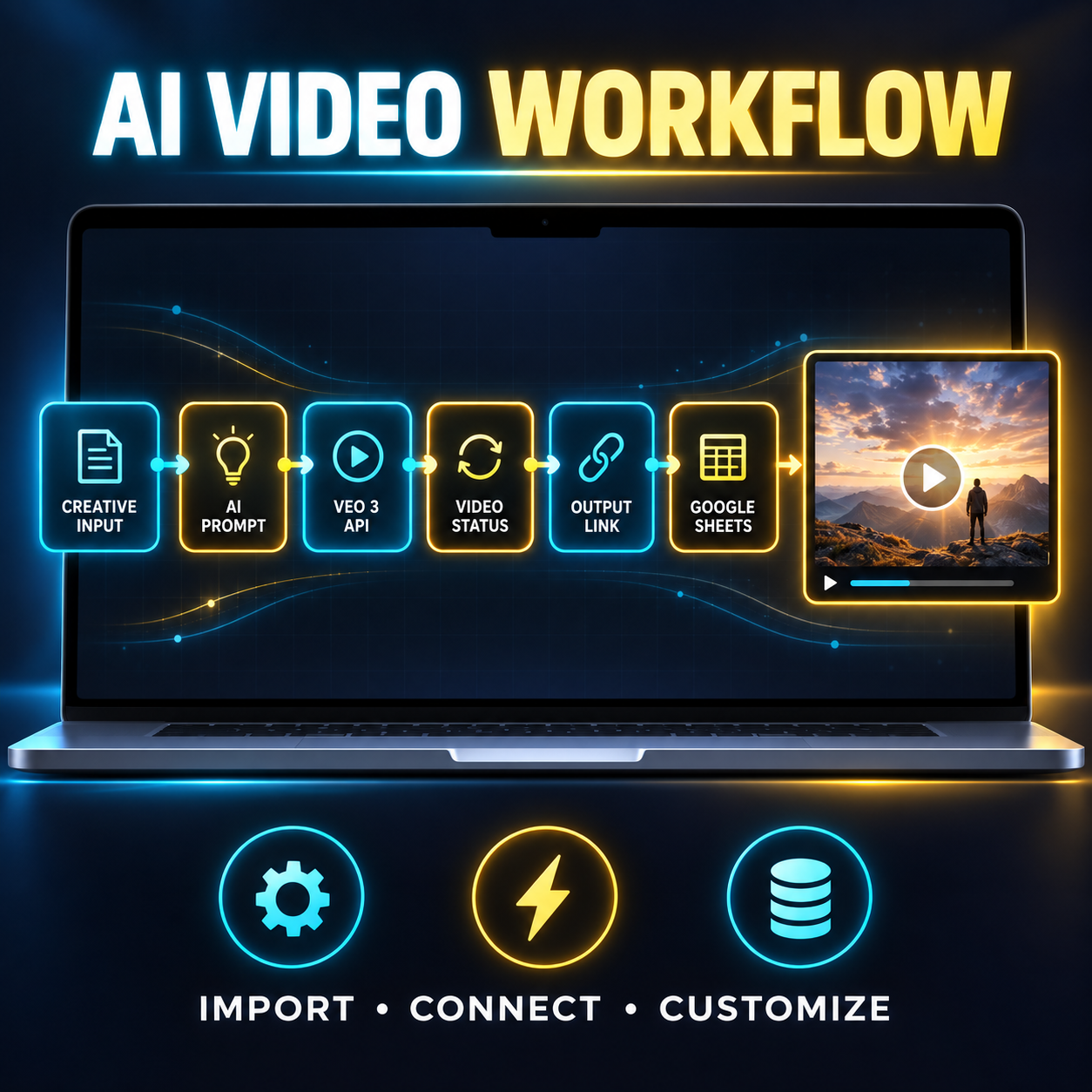
This automation helps you move from creative input to finished video output through one organized workflow. Generate structured prompts, submit video-generation requests, retrieve output links, and log project details in Google Sheets without building the automation from scratch.
Key Features
- AI agent for generating detailed Veo 3 video prompts
- Manual Mode for customized creative inputs
- Auto Theme Mode for faster prompt generation
- Automated video requests through supported APIs
- WaveSpeed AI integration
- Google Sheets logging for prompts, settings, and video links
- Editable n8n workflow
- Suitable for n8n Cloud and self-hosted installations
- Visual, low-code setup
- Ready-to-import JSON file
Two Creation Modes
Manual Mode
Enter your preferred:
- Subject and scene details
- Visual style
- Mood and atmosphere
- Camera movement
- Lighting
- Audio preferences
- Voice-over instructions
- Additional creative requirements
Auto Theme Mode
Provide a general theme or concept and allow the AI agent to develop a more detailed video prompt automatically.
What You’ll Receive
- One n8n workflow in JSON format
- Workflow import and configuration instructions
- Guidance for connecting the required credentials
- Instructions for customizing and running the automation
Perfect For
- Digital content creators
- Social media marketers
- AI video creators
- Short-form video producers
- YouTube creators
- Marketing agencies
- Automation enthusiasts
- Entrepreneurs building AI-powered content systems
Requirements
Before using the workflow, you will need:
- An active n8n Cloud or self-hosted account
- Access to a supported Veo 3 video-generation API
- A WaveSpeed AI account if its integration is used
- Google Sheets credentials for output logging
- API keys or authentication credentials for the required services
- The included n8n JSON workflow file
Third-party accounts, API access, subscriptions, and usage credits are not included with this purchase. Availability and pricing depend on the respective providers.
Setup Instructions
1. Import the Workflow
- Sign in to your n8n dashboard.
- Open the Workflows section.
- Select the option to import a workflow from a file.
- Upload the provided JSON file.
- Review the imported nodes and save the workflow.
2. Configure Your Credentials
Open the Credentials section in n8n and connect the services required by the workflow, which may include:
- HTTP request authentication for the video API
- WaveSpeed AI credentials
- Google Sheets OAuth2 or service-account credentials
Assign each credential to its corresponding workflow node.
Never share or resell a workflow containing your personal API keys, access tokens, credentials, customer information, or private data.
3. Customize the Workflow
In Manual Mode, configure your preferred:
- Scene description
- Video concept
- Style and mood
- Camera direction
- Audio or voice-over preferences
- Output settings
Alternatively, select Auto Theme Mode for AI-assisted prompt creation.
4. Run and Test
- Review the workflow connections and settings.
- Select Execute Workflow.
- Allow the AI agent to generate and submit the prompt.
- Wait for the video-generation service to process the request.
- Retrieve the generated video link.
- Confirm that the output details have been recorded in Google Sheets.
Test the complete workflow before using it in a live or client-facing environment.
Optional Customizations
You can further adapt the workflow by adding:
- Email notifications
- Approval steps
- Custom Google Sheets columns
- Webhook triggers
- Scheduled executions
- File-storage integrations
- Additional output platforms
- Error handling and status alerts
Important Information
- This is a digital product; no physical item will be shipped.
- The purchase includes a workflow template, not access to n8n, Google Veo, WaveSpeed AI, or Google services.
- This is a low-code workflow, but initial configuration and basic technical knowledge may be required.
- APIs and integrations can change, so future adjustments may occasionally be necessary.
- Video-generation time, quality, availability, and cost depend on the selected provider.
- Buyers are responsible for complying with each service’s terms, content policies, and commercial-use requirements.
- Google Veo, n8n, WaveSpeed AI, and Google Sheets are trademarks of their respective owners. This product is independently created and is not affiliated with or endorsed by those companies.
Support
If you need assistance accessing or configuring the workflow, please send a message through HostBas.















 No products in the cart.
Reviews
There are no reviews yet.